Ultimate Guide to Payroll Management Software
Learn how payroll management software streamlines employee payments, tax compliance, and HR operations. Explore key features, types, and selection criteria for your business.
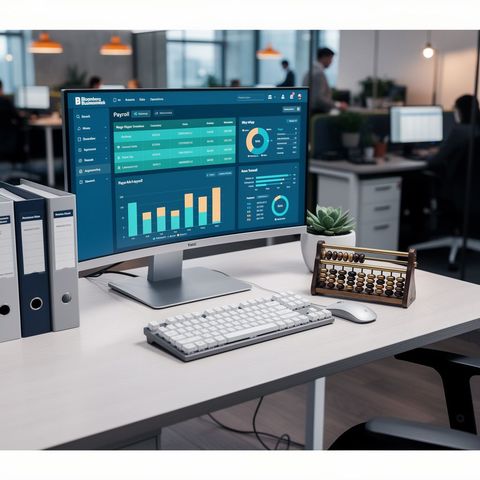
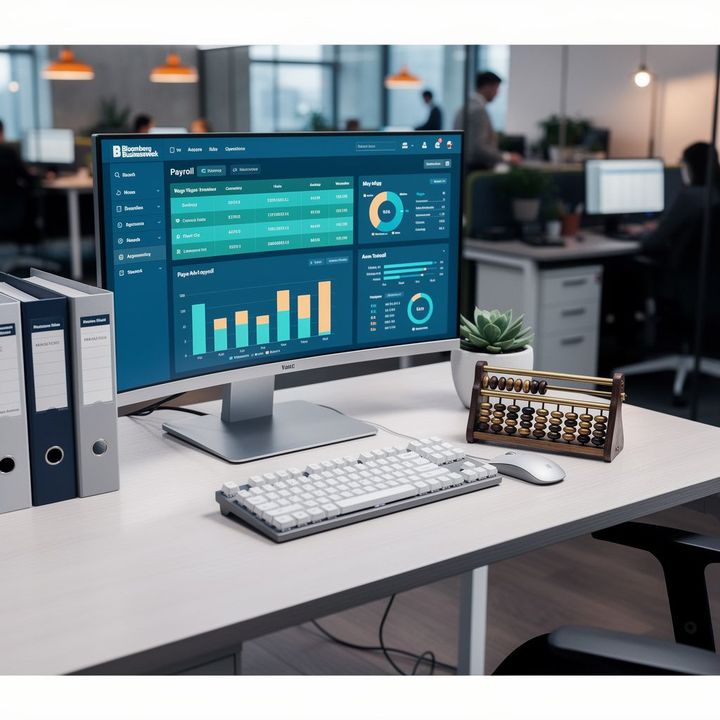
Payroll management represents one of the most critical yet time-consuming functions in any organization. Processing employee compensation, calculating withholdings, managing tax filings, and ensuring regulatory compliance traditionally required dedicated accounting staff and manual spreadsheet management—a process prone to errors and inefficiencies. Modern payroll management software eliminates these pain points by automating wage calculations, tax compliance, and payment distribution while providing real-time visibility into labor costs and employee data.
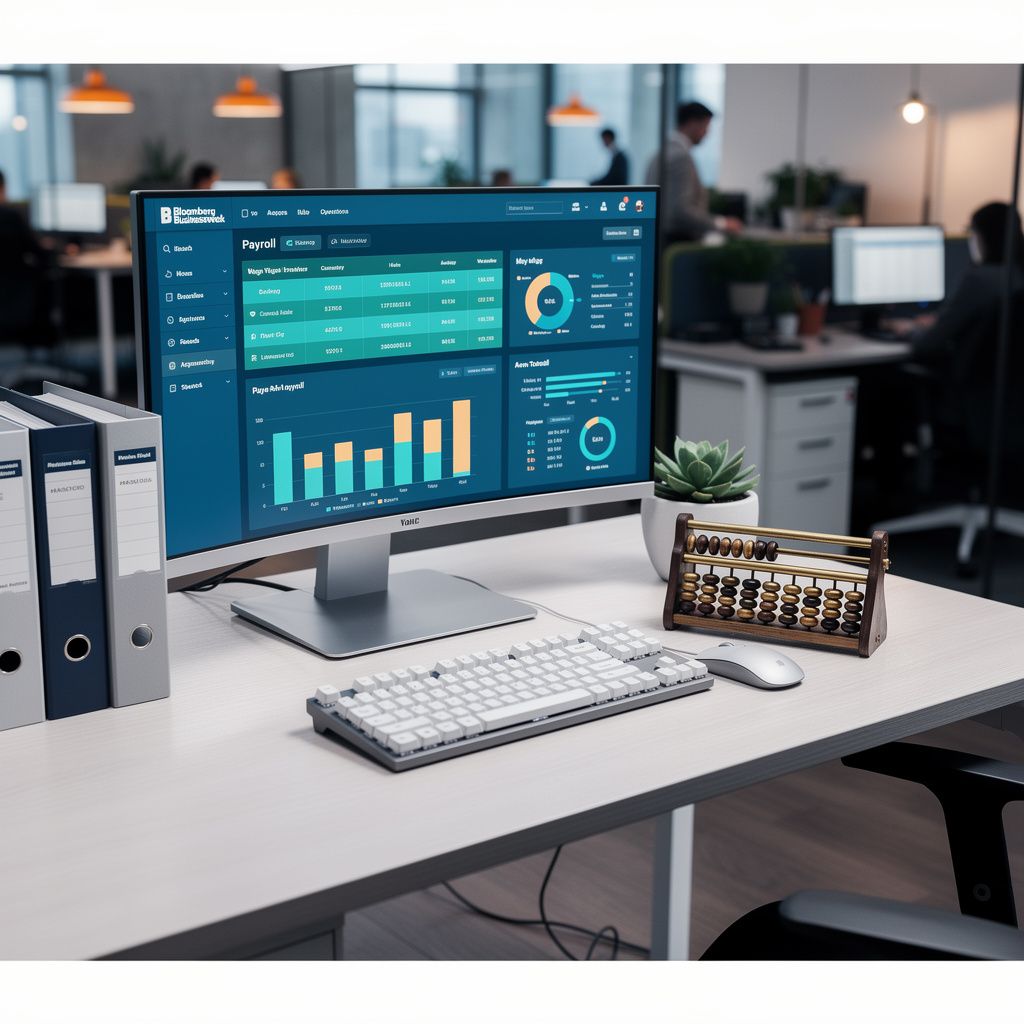
Organizations using payroll software report reducing payroll processing time by 40-60% compared to manual methods, while simultaneously decreasing error rates and improving compliance accuracy. This guide explores how payroll management software works, the specific benefits and limitations, different software categories available, current technological trends, essential features to evaluate, and practical frameworks for selecting the right solution for your business.
Core Benefits and Practical Limitations of Payroll Software
Payroll management software delivers measurable operational and financial advantages, though implementation requires careful consideration of limitations and transition challenges.
Primary Benefits
Accuracy and Error Reduction: Manual payroll calculations introduce human error at multiple stages—wage calculations, tax withholding, deduction tracking, and payment processing. Payroll software eliminates these touchpoints by automating calculations based on established rules and tax tables. Organizations report reducing payroll errors by 85-95% after implementation, with most errors caught during system validation rather than reaching employees.
Time Savings and Operational Efficiency: Processing payroll for a 50-person organization typically requires 8-16 hours monthly using manual methods. Software-based processing reduces this to 1-2 hours, freeing HR staff for strategic initiatives. Larger organizations with complex compensation structures see even greater time savings proportionally.
Tax Compliance Automation: Payroll software maintains current federal, state, and local tax tables, automatically calculating withholdings based on W-4 information, filing status, and pay frequency. The software generates required tax filings (941, 940, state unemployment, local taxes) and maintains audit trails demonstrating compliance. This eliminates the risk of underpayment penalties and audit exposure from incorrect tax calculations.
Direct Deposit and Payment Processing: Modern payroll systems integrate with banking partners to process direct deposits, reducing check distribution costs and improving employee cash flow. Employees receive predictable payment timing, and organizations eliminate check printing, distribution, and reconciliation overhead.
Real-Time Reporting and Analytics: Payroll software provides instant access to labor cost data, departmental payroll analysis, and year-to-date summaries. Managers gain visibility into actual labor expenses versus budgets, enabling better workforce planning and cost management.
Practical Limitations
Implementation Complexity: Transitioning from manual payroll to software requires data migration, system configuration, employee setup, and staff training. Implementation typically requires 2-8 weeks depending on organization size and complexity. During transition, parallel processing (running both systems) doubles workload temporarily.
Ongoing Maintenance Requirements: Tax law changes require regular software updates. Organizations must monitor payroll system updates, test changes, and ensure compliance with new regulations. This requires dedicated staff attention quarterly or semi-annually.
Integration Challenges: Payroll software must integrate with accounting systems, time-tracking platforms, and HR information systems. Integration complexity increases with legacy systems or custom HR processes, potentially requiring IT support or third-party integration services.
Cost Considerations: Software costs range from $30-$500 monthly depending on features and employee count. Organizations must evaluate total cost of ownership including implementation, training, integration, and ongoing support against time savings and error reduction benefits.

Types of Payroll Management Software
Payroll solutions fall into distinct categories based on deployment model, organization size, and feature complexity.
Cloud-Based Payroll Solutions
Cloud payroll platforms host software on vendor servers, accessed through web browsers or mobile applications. Employees can view pay stubs, tax documents, and benefits information directly. Cloud solutions automatically update tax tables and maintain compliance without client intervention. This category includes platforms serving small businesses (10-100 employees) through mid-market organizations (100-1,000 employees). Advantages include minimal IT infrastructure requirements, automatic updates, and scalability. Limitations include dependency on internet connectivity and less customization for complex compensation structures.
Desktop/On-Premise Software
Traditional payroll software installed on company servers provides maximum control and customization. Organizations with highly complex compensation, multiple entities, or strict data residency requirements prefer on-premise solutions. These systems require IT infrastructure, regular backups, security management, and manual tax table updates. Implementation costs are higher, but organizations maintain complete data control. This category primarily serves large enterprises with dedicated IT departments.
Integrated HR and Payroll Platforms
Comprehensive HR platforms combine payroll with recruitment, benefits administration, performance management, and employee self-service. These integrated solutions reduce data silos and provide unified employee records. Organizations benefit from single-system training and administration, though they sacrifice specialization in payroll-specific features. This category serves mid-market and enterprise organizations seeking comprehensive HR automation.
Professional Payroll Service Providers
Full-service payroll providers handle all payroll processing, tax filing, and compliance. Organizations submit timesheets or hours worked, and the provider processes payroll, handles tax filings, and manages compliance. This outsourced model eliminates internal payroll management entirely but reduces organizational control and real-time visibility into payroll data. This category serves small businesses and organizations lacking dedicated payroll staff.
Current Trends and Technological Innovations
Mobile-First Employee Access: Modern payroll systems prioritize mobile applications enabling employees to access pay stubs, tax documents, benefits information, and update personal data from smartphones. This reduces HR administrative requests and improves employee engagement.
Artificial Intelligence and Predictive Analytics: Advanced payroll systems use AI to identify anomalies in payroll data, flag potential compliance issues, and predict labor cost trends. Machine learning algorithms analyze historical payroll patterns to identify errors before processing.
Real-Time Payroll Processing: Traditional payroll processes employees on fixed schedules (weekly, bi-weekly, monthly). Emerging solutions enable on-demand or real-time payroll, allowing employees to access earned wages immediately rather than waiting for standard pay periods. This innovation appeals to hourly workers and gig economy participants.
Blockchain and Distributed Ledger Technology: Some advanced platforms explore blockchain for immutable payroll records, enhanced security, and transparent audit trails. This remains emerging technology but addresses data integrity and compliance documentation concerns.
Integration with Time-Tracking and Workforce Management: Payroll software increasingly integrates directly with time-tracking systems, eliminating manual hour entry and reducing timesheet errors. Biometric time tracking, mobile clock-in applications, and automated shift management feed directly into payroll calculations.
Key Features and Specifications to Evaluate
| Feature Category | What to Evaluate | Why It Matters |
|---|---|---|
| Tax Compliance | Federal, state, local tax support; automatic updates; filing capabilities | Ensures regulatory compliance and reduces audit risk |
| Payment Processing | Direct deposit, check printing, international payments, multiple currencies | Determines payment flexibility and employee satisfaction |
| Integration Capabilities | Accounting software, HR systems, time tracking, benefits platforms | Reduces manual data entry and system silos |
| Reporting and Analytics | Customizable reports, real-time dashboards, labor cost analysis, forecasting | Enables data-driven workforce planning and cost management |
| Employee Self-Service | Pay stub access, tax document downloads, direct deposit changes, benefits management | Reduces HR administrative burden and improves employee experience |
| Scalability | Support for growing employee counts, multiple entities, international operations | Ensures software grows with organizational needs |
| Security and Compliance | Data encryption, access controls, audit trails, SOC 2 certification | Protects sensitive employee and financial data |
| Support and Training | 24/7 support availability, training resources, implementation assistance | Ensures successful adoption and ongoing system optimization |
Industry Landscape and Notable Implementations
The payroll software market encompasses specialized vendors serving different organization sizes and industries. Small business platforms prioritize ease of use and affordability, typically serving organizations with 10-100 employees. Mid-market solutions balance feature richness with usability, supporting 100-1,000 employees with complex compensation structures. Enterprise platforms serve large organizations with multi-entity operations, international presence, and specialized compliance requirements.
Manufacturing organizations frequently require payroll systems supporting shift differentials, piece-rate compensation, and union wage requirements. Healthcare organizations need systems handling complex scheduling, overtime regulations, and shift premiums. Technology companies often require payroll systems supporting equity compensation, stock options, and international remote workers. Retail organizations need systems integrating with POS systems and handling variable scheduling and commission calculations.
Organizations across industries report consistent implementation benefits: 40-60% reduction in payroll processing time, 85-95% reduction in payroll errors, improved tax compliance, and enhanced employee satisfaction through transparent pay information and self-service capabilities.
Selection and Decision-Making Framework
Selecting appropriate payroll management software requires systematic evaluation across multiple dimensions.
Step 1: Assess Organizational Requirements
Document current payroll complexity: employee count, pay frequencies, compensation types (salary, hourly, commission, bonus), deduction types, and geographic scope. Identify specific pain points with current systems—errors, time consumption, compliance concerns, or integration gaps. This assessment establishes baseline requirements and success metrics.
Step 2: Define Budget Parameters
Calculate total cost of ownership including software licensing, implementation, training, integration services, and ongoing support. Compare against time savings and error reduction benefits. Small organizations typically allocate $300-$800 annually for payroll software. Mid-market organizations budget $2,000-$10,000 annually. Enterprise organizations may invest $50,000+ annually for comprehensive solutions.
Step 3: Evaluate Integration Requirements
Map existing systems requiring payroll integration: accounting software, HR information systems, time-tracking platforms, benefits administration systems. Assess integration complexity and whether built-in connectors exist or custom development is required. Integration complexity significantly impacts implementation timeline and cost.
Step 4: Conduct Vendor Demonstrations
Request demonstrations from 3-5 qualified vendors. Evaluate user interface intuitiveness, reporting capabilities, customization options, and support responsiveness. Test specific scenarios matching your organizational needs—complex compensation, multiple pay frequencies, or multi-state tax requirements.
Step 5: Review Implementation and Support
Assess vendor implementation methodology, timeline estimates, training resources, and ongoing support availability. Verify support hours match your organizational needs (24/7 support critical for organizations processing high-volume payroll). Review customer references, particularly organizations similar in size and complexity.
Actionable Tips and Practical Best Practices
Implementation Best Practices
- Plan Parallel Processing: Run old and new systems simultaneously for 1-2 payroll cycles to validate accuracy before full transition. This identifies discrepancies and builds organizational confidence in new system.
- Establish Clear Data Migration: Verify all employee records, tax information, and year-to-date data migrate accurately. Validate deduction setup, benefit elections, and compensation structures before processing first payroll.
- Conduct Comprehensive Training: Ensure payroll staff, managers, and employees understand new system functionality. Provide role-specific training—payroll staff need technical process training, managers need reporting access training, employees need self-service access training.
- Document Processes and Workflows: Create written procedures documenting payroll processing steps, exception handling, and compliance requirements. This documentation ensures consistency and facilitates staff transitions.
- Schedule Tax Table Updates: Establish calendar reminders for quarterly tax law changes and annual tax table updates. Verify updates are applied and test with sample calculations before processing payroll.
Ongoing Optimization
- Monitor Payroll Reports: Review payroll reports monthly for anomalies, unusual deductions, or calculation errors. Establish variance thresholds triggering investigation and correction.
- Maintain Compliance Documentation: Preserve payroll records, tax filings, and audit trails for minimum 7 years. Organize documentation systematically for audit readiness.
- Evaluate Employee Self-Service Adoption: Monitor employee usage of self-service features. Low adoption indicates need for additional training or communication about available functionality.
- Review Integration Performance: Periodically verify integrations with accounting, HR, and time-tracking systems function correctly. Address data synchronization issues promptly.
- Benchmark Against Industry Standards: Compare payroll processing time, error rates, and compliance metrics against industry benchmarks. Identify optimization opportunities and best practices.
Comprehensive FAQ Section
What specific tax compliance does payroll software handle?
Modern payroll software manages federal income tax withholding (Form W-4), Social Security and Medicare taxes (FICA), federal unemployment tax (FUTA), state income tax withholding, state unemployment insurance, and local income taxes where applicable. The software maintains current tax tables, automatically calculates withholdings based on employee W-4 information and pay frequency, and generates required tax filings including Forms 941 (quarterly federal), 940 (annual unemployment), W-2s, and state-specific filings. The software maintains audit trails documenting all calculations and filings, providing compliance documentation during audits.
How does payroll software integrate with accounting systems?
Payroll software integrates with accounting platforms through direct connectors or API connections. The integration automatically transfers payroll data—gross wages, tax withholdings, deductions, and employer taxes—into accounting systems as journal entries. This eliminates manual data entry, ensures payroll and accounting records match, and provides accurate labor cost tracking. Integration timing varies: some systems post payroll data immediately upon processing, others batch transfers at period-end. Verify integration capabilities with your specific accounting software before implementation.
Can payroll software handle multiple pay frequencies and compensation types?
Advanced payroll systems support unlimited pay frequencies (weekly, bi-weekly, semi-monthly, monthly) and compensation types including salaries, hourly wages, commissions, bonuses, piece-rate compensation, and shift differentials. The software maintains separate calculation rules for each compensation type and pay frequency, ensuring accurate processing regardless of complexity. Organizations with mixed compensation structures should verify software handles their specific requirements during vendor evaluation.
What security measures protect payroll data in cloud-based systems?
Reputable cloud payroll providers implement multiple security layers: data encryption in transit (TLS/SSL) and at rest (AES-256), role-based access controls limiting employee visibility to personal records, multi-factor authentication for administrative access, regular security audits, and SOC 2 Type II certification. Vendors maintain redundant data centers, automated backups, and disaster recovery procedures ensuring data availability. Organizations should verify security certifications and request security documentation before implementation, particularly for sensitive data handling.
How does payroll software accommodate multi-state and international operations?
Payroll systems serving multi-state organizations maintain separate tax tables and compliance rules for each state. The software calculates state income tax, unemployment insurance, and state-specific withholdings based on employee work location. International payroll requires specialized systems supporting multiple currencies, country-specific tax rules, and local compliance requirements. Standard payroll software typically handles multi-state U.S. operations but requires specialized platforms for international presence. Verify geographic coverage during vendor selection if your organization operates across multiple states or countries.
What happens to payroll data if the vendor discontinues service?
Reputable payroll vendors provide data export capabilities enabling organizations to retrieve employee records, tax documents, and historical payroll data in standard formats. Contracts should specify data portability rights and transition assistance. Before implementation, verify vendor stability, review contract terms regarding data access upon service discontinuation, and understand export procedures. Organizations should maintain regular backups of critical payroll data regardless of vendor stability.
Conclusion and Actionable Key Takeaways
Payroll management software transforms a traditionally manual, error-prone process into an automated, compliant, and efficient operation. Organizations implementing payroll software consistently report 40-60% reduction in processing time, 85-95% reduction in errors, improved tax compliance, and enhanced employee satisfaction through transparent pay information and self-service capabilities.
The software landscape encompasses solutions serving organizations from 5 employees to 50,000+, with pricing and features scaling accordingly. Cloud-based solutions offer ease of implementation and automatic compliance updates for small and mid-market organizations. Enterprise platforms provide customization and control for large organizations with complex compensation structures. Professional payroll service providers eliminate internal payroll management entirely for organizations preferring outsourced solutions.
Key Implementation Steps:
- Document current payroll complexity, pain points, and organizational requirements
- Define budget parameters including software, implementation, training, and integration costs
- Map integration requirements with accounting, HR, and time-tracking systems
- Conduct demonstrations with 3-5 qualified vendors, testing organization-specific scenarios
- Review implementation methodology, timeline, training resources, and support availability
- Plan parallel processing for 1-2 payroll cycles before full transition
- Establish ongoing monitoring, compliance documentation, and optimization procedures
Selecting the right payroll management software requires matching software capabilities to organizational complexity, ensuring integration with existing systems, and evaluating vendor stability and support quality. Organizations that invest time in thorough evaluation and systematic implementation realize significant operational efficiency gains, reduced compliance risk, and improved employee experience.